Product owners
Engineering is waiting. You need a design they can build without guessing.



Product design
Pretty is not the goal. Finishing the job without a workaround is. We design the screens your operators, customers, or patients actually have to complete.
Design that shipped in IbisHR and Blind Spots Global.
The next step is obvious
We watch real users before you build
Handoff your engineers can follow
The offer
The look of the screens and the path through the work. We map how people actually complete a task, then design so that path is short and hard to get wrong.
Need a workshop with stakeholders in the room? See UI UX workshops.
Who it is for
If you own the budget, the product, or the operation, this page should help you decide.
Engineering is waiting. You need a design they can build without guessing.
Staff invented their own shortcuts. The new screens have to match the real job.
The first version has to feel trustworthy. Buyers judge the product in ten seconds.
What you get
The work buyers look for, described as outcomes.
Services
Pick a starting point. We will confirm it on a call.
A short working session so you know what to fund first.
Drastically reduced user signup drop-offs
Increased conversion rates, signups, and ROI
Challenges
Design debt shows up as support tickets.
Time
We sit with the job, not the org chart, and cut the extra screens.
Risk
We hand over a clickable path and a system they can reuse, not a mood board.
Scale
Shared patterns so the tenth screen feels like the first.
Trust
Short test sessions before you spend the build budget on the wrong flow.
Why Solvefy
Named products in production, a call that ends with a next step, and AI when it helps the live system.
Proof
Results from live products.
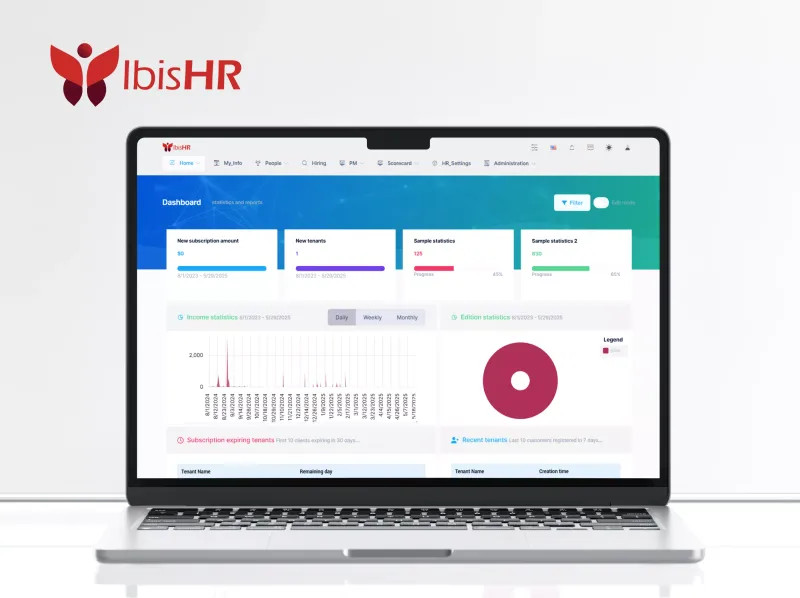
HR screens rebuilt so staff could finish the job without workarounds
Read full case study
How we work
A sequence you can follow without a glossary.
Step 1
We confirm this step with you before we move on.
Step 2
We confirm this step with you before we move on.
Step 3
We confirm this step with you before we move on.
Step 4
We confirm this step with you before we move on.
Step 5
We confirm this step with you before we move on.
Guides
Useful if you are sharing this page with a colleague.
AI-native team
We use AI in how we plan, document, and build ui ux design, so delivery moves faster and a person still reviews what matters. The same approach can live in your software: agents, copilots, and call handling inside the workflows your team already runs.
Faster delivery: specs, docs, and integration drafts sped up by AI, checked by people
AI in the build: tests, reviews, and handoff that are part of how we ship, not a later phase
AI in your product: copilots, agents, and call handling next to the records operators already use
Fast, searchable web products your team can live in.
A first release you can put in front of customers.
A product built around how your business actually works.
Questions teams ask before they hire for UI UX Design.
No. We design the path through the work, test it with people who do the job, and hand engineers something they can build.
Yes. We often start with the screens that cause the most support load, then roll the pattern across the rest.
A clickable path, a visual system, and notes your developers can follow. Not a slide deck that dies in email.
Tell us what is stuck. We will map the next step on a call.